Client onboarding
Intake and Request Forms That Get You Complete Briefs and Assets
How to design intake and request forms that get clients to send complete briefs, files and details the first time, with sample questions and field lists.
By Ayebridge TeamPublished 7 min read
On this page
Why "send us everything you have" doesn't work
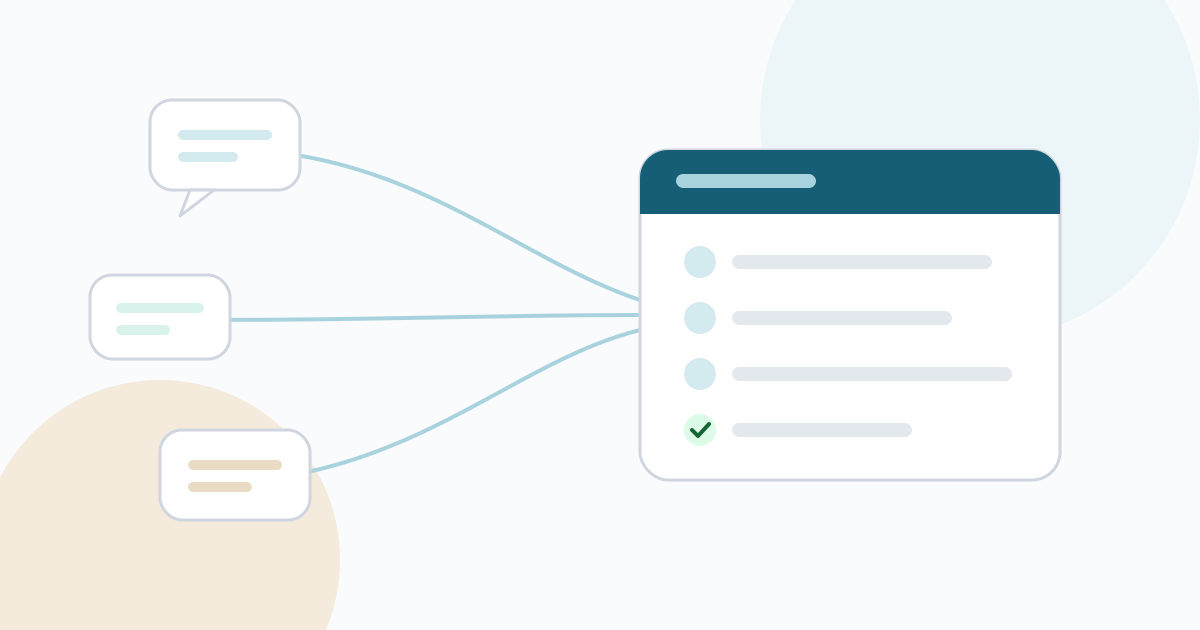
Most projects start with a request that sounds simple: "Send over your logo, your copy and anything else we should know." What comes back is a mix of a low-resolution logo pulled from a website, a document of notes written for someone else, and a promise that the rest will follow next week.
The client isn't being careless. An open request is hard to answer. They don't know what format you need, which details matter, or what "anything else" covers. So they send what is easy to find and hope it is enough.
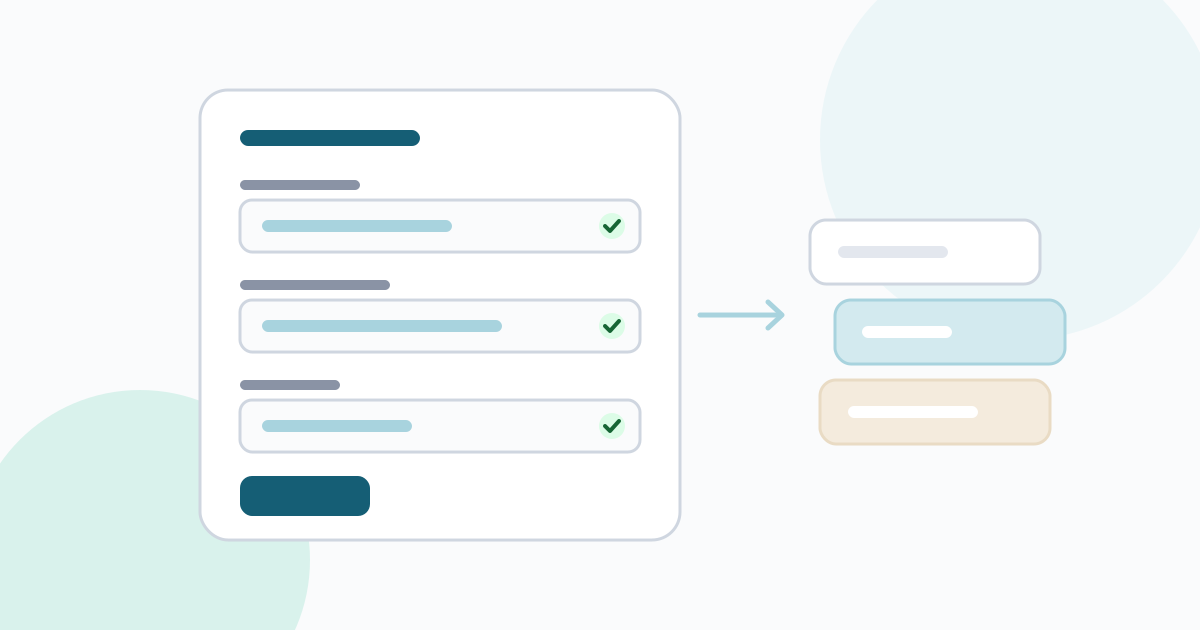
Forms fix this by doing the thinking up front. A well-designed form tells the client exactly what you need, in what format and by when. It also gives you a consistent starting point for every project, so you are not rebuilding the same checklist from memory each time.
Two kinds of forms, two moments
It helps to separate two jobs that often get mixed together.
The intake form comes before or at kickoff. Its job is to get the brief: what the client wants to achieve, for whom, by when, and who decides. It is mostly questions.
Request forms come after kickoff. Their job is to collect specific items: files, copy, access, details. Each one is small and focused, with a due date.
Keeping them apart has a practical benefit. A client can fill in the intake form in one sitting, then work through the requests over the following days as they gather each item. A single giant form that asks for strategy and files at the same time tends to be abandoned halfway.
What a good intake form asks
The right questions depend on your work, but most intake forms for creative and digital projects need answers in these areas.
The goal
- What should this project change for your business? Describe it in a sentence or two.
- How will you know it worked?
The audience
- Who is this for? Describe the people you most want to reach.
- What do they need to know or do?
Decisions and people
- Who will approve the work? (Name and role.)
- Who else should be consulted along the way?
Timing
- Is there a fixed date this must be ready by? What happens on that date?
References
- Links to examples you like, and what you like about each.
- Links to examples you don't want this to resemble, and why.
Constraints
- Existing brand guidelines, required wording, legal or accessibility requirements.
- Anything that has already been decided and shouldn't change.
Notice that each question asks for something the client actually knows. "What's your target audience?" is hard to answer well. "Who is this for? Describe the people you most want to reach" is easier, because it asks for a description rather than a marketing term.
Designing questions people can answer
Public-sector design teams have published a lot of practical guidance on asking good questions, and most of it applies to client forms. A few principles stand out.
Know why you are asking each question. The GOV.UK Service Manual recommends knowing why you need each piece of information before you design the question. If you can't say what you will do with an answer, remove the question.
Ask one thing at a time. The GOV.UK Design System suggests starting with one question per page in online services, and the service manual recommends splitting complex questions into simpler ones. In a client form, at least avoid double questions such as "What are your goals and who is your audience?"
Prefer specific questions to open ones where you can. Closed questions with clear options are easier to answer. "Do you have a vector version of your logo? Yes / No / Not sure" is quicker and more useful than "Tell us about your logo files."
Allow "not sure". Clients often don't know a technical answer. Giving them an honest way to say so is better than a guess you later act on.
Mark optional fields clearly. Nielsen Norman Group's form guidelines advise keeping optional fields to a minimum and labeling them as optional. Required should be the default for anything you truly need.
Keep the form short. The same guidelines recommend removing fields you could collect later, derive yourself or do without. Every question you remove makes the rest more likely to be answered.
Explain formats up front. If you need a particular file type, size or naming, say so in the question, not in a follow-up email after the wrong file arrives.
Asset requests that come back complete
Requests for files and details fail in predictable ways: the wrong format, the wrong version, or only half of what was needed. Write each request so the client can complete it without asking you anything.
A complete request has:
- One item. "Primary logo" and "Team photos" are two requests, not one. Separate items are easier to finish and easier to track.
- A precise description. "Primary logo as SVG or EPS, plus a PNG with a transparent background at least 1000 pixels wide."
- The reason, briefly. "We use the vector file for the website header so it stays sharp on all screens." Clients are more careful when they know why.
- A fallback. "If you don't have a vector file, send the best version you have and we'll advise."
- A due date. Tied to when you actually need it, not an arbitrary deadline.
Before and after, for one item:
| Vague | Complete |
|---|---|
| "Can you send us some photos?" | "Team photos: one portrait per person on the About page (six people), JPG or PNG, at least 1200 pixels on the shorter side. Natural light and a plain background work best. Due 14 March." |
A sample request form: website project
For items where you need several related details, a short form inside a request works well. Here is a sample for a new website project.
| Field | Type | Required |
|---|---|---|
| Current domain name | Short text | Yes |
| Where the domain is registered | Short text | Yes |
| Link to brand guidelines | Link | No |
| Pages that must appear in the main menu | Long text | Yes |
| Contact email for the website form | Short text | Yes |
| Social profiles to link to | Long text | No |
| Anything on the current site that must not change | Long text | No |
In Ayebridge, every project has a requests checklist where you ask clients for items like these, with due dates. Clients reply in text, attach files they have uploaded to the project and mark the item done. On Agency plans and above, a request can also include a form with short text, long text and link fields, some of them required. You can compare plans on the pricing page.
Handling logins and access details
Access details deserve their own approach. Don't ask clients to type passwords into a form or email. Instead:
- Ask the client to add you to the service with your own account where the service allows it.
- Where a credential must be shared, ask them to use a password manager's sharing feature.
- Use the request to confirm that access was given, not to carry the password itself.
A sample request:
Website hosting access. Please add [your email] as a user on your hosting account, or share the login through your password manager. Once done, reply here with "Access shared" and the name of the hosting provider.
Following up without chasing
Even good requests sometimes stall. A few habits keep things moving without awkward reminder emails:
- Send all requests at kickoff, so the client sees the full list and can plan their time.
- Set realistic due dates, staggered by when you need each item.
- Let reminders be automatic. In Ayebridge, when a request with a due date becomes overdue, the client's contacts get a reminder email, depending on their notification settings. The requests help guide explains how this works.
- Make the dependency clear. "Design for the About page starts once the team photos arrive" explains a delay better than a reminder does.
Reviewing what comes back
When a client responds, check it before you mark the item done. Is the file the right format? Is the copy final or a draft? Is anything missing? If something is not quite right, reply on the request itself rather than starting a new email, so the history stays together. Only mark it done when you are confident you won't need to ask again.
The short version
- Separate the intake form (the brief) from request forms (the items).
- Ask questions the client can answer, one at a time, and know why you are asking each one.
- Make each request a single, precisely described item with a reason, a fallback and a due date.
- Keep access details out of forms; use the request to confirm access was shared.
- Send requests early, let reminders do the chasing, and check what comes back before closing it.
A form is a small piece of work that pays off on every project. Write it once, improve it after each project, and the first week of every new engagement gets calmer.
Frequently asked questions
How long should an intake form be?
As short as it can be while still giving you what you need to start. Remove any question whose answer you could find yourself, would not act on, or could ask later. If a form feels long, split it into an intake form before kickoff and a set of separate requests after.
Should I use a form or a call for the brief?
Often both. A form gathers facts and files before the call, so the call can be spent on goals, priorities and anything the answers raised. Summarize the call in writing afterwards and keep it with the form answers.
Is it safe to ask for passwords in a form?
It is better not to. Ask the client to share access through a password manager, or to invite you to the service with your own account, and use the form only to confirm that access has been given.
Sources
- Website Forms Usability: Top 10 Recommendations (Nielsen Norman Group)(nngroup.com)
- Designing good questions (GOV.UK Service Manual)(gov.uk)
- Question pages (GOV.UK Design System)(design-system.service.gov.uk)