Communication
Client Status Updates: Cadence, Format and How to Deliver Bad News
How to write client status updates that get read: pick a cadence, lead with the status, ask for what you need and deliver bad news early and clearly.
By Ayebridge TeamPublished 7 min read
On this page
What a status update is for
A status update is not a record of how busy you have been. It exists so the client can answer three questions in under a minute:
- Is the project where we expected it to be?
- Is there anything I need to do?
- What happens next?
Updates that answer those questions get read, because they save the client effort. Updates that list every task completed this week get skimmed and then ignored, because the reader has to work out the meaning themselves.
Keeping that purpose in mind makes most of the other choices, such as length, format and what to leave out, straightforward.
Choose a cadence and keep it
The right cadence depends on how fast the project moves and how much the client needs to be involved. A rough guide:
| Project type | Suggested cadence |
|---|---|
| Short, intensive project (a few weeks) | Twice a week, or at each milestone |
| Typical design or web project (one to four months) | Weekly |
| Retainer or ongoing work | Weekly or every two weeks, plus a monthly summary |
| Quiet phase (waiting on the client, maintenance) | Every two weeks, with a note on what you are waiting for |
Whatever you choose, two things matter more than the interval itself:
- Same day, every time. A client who knows the update arrives on Thursday stops wondering on Tuesday.
- Agreed at the start. Atlassian's working agreements play encourages teams to agree communication channels and meeting rhythms up front and to revisit them over time. Settling the update rhythm during onboarding means the client knows what to expect from the first week. The client onboarding process article includes a short template for this.
Put the answer first
Journalists write news in an inverted pyramid: the most important fact first, details after, background last. The Nielsen Norman Group's article on the inverted pyramid explains why this suits online reading, where people skim and stop early. A status update is a small news story, so the same structure applies.
Start every update with a one-line status:
- On track: "On track for the 14 November launch."
- At risk: "At risk: the launch date depends on receiving product copy by Friday."
- Off track: "Off track: launch moves to 21 November because of the payment integration issue below."
A client who reads only that line should still know the essential fact. Everything after it is supporting detail.
What belongs in an update
After the status line, include only what helps the client understand or act:
- Progress against milestones, not tasks. "Homepage and service pages are designed and ready for review" means more than "worked on homepage layout, adjusted grid, revised hero".
- What you need from the client, with dates. This is the most important section after the status line. Name the person if more than one contact receives the update.
- Decisions waiting on them. If an approval is open, say what it is and when it is due, and link to it.
- Risks you are watching. Anything that could affect a date or the budget, even if it has not yet.
- What comes next, up to the next update.
What to leave out: internal process, tool names, long explanations of routine work, and anything the client cannot act on or does not need to know.
Format it for skimming
People rarely read updates line by line. The Nielsen Norman Group's research on how users read on the web found that readers scan for words that stand out, and that concise, scannable, plain text performs better than promotional or padded writing.
In practice:
- Use the same headings every time, so the client knows where to look.
- Keep each point to one or two lines. If a point needs a paragraph, it may need a call instead.
- Be specific about dates. "By Friday 7 November" is clearer than "end of next week".
- Bold the asks. The client's to-do items should be easy to spot at a glance.
- Write plainly. No "exciting progress" or "huge milestone". Calm, factual updates are easier to trust.
A template you can reuse
[Project name]: update for [date]
Status: On track / At risk / Off track, with one sentence of explanation.
Where we are
- [Milestone reached or in progress]
- [Milestone reached or in progress]
Needed from you
- [Item], by [date] ([person])
- Review of [deliverable], by [date]
Coming up before the next update
- [Next milestone or activity]
Watching
- [Risk, and what you are doing about it], or "Nothing to flag."
Five short sections, all optional except the status line. On a quiet week, the whole update may be the status line and one bullet under "Coming up". That is fine.
Delivering bad news without losing trust
Every project produces bad news at some point: a missed date, a technical problem, a cost that will go up, a dependency that fell through. How you deliver it affects the relationship more than the problem itself.
Tell them early. As soon as you know a date or budget is affected, tell the client. Do not wait for the scheduled update, and do not wait until you have fully solved the problem. Clients can plan around a known delay; they cannot plan around one they discover on the deadline.
Lead with the impact. Start with what changes for the client: the new date, the extra cost, the decision they must make. Then explain why.
Explain the cause without blame. State what happened factually, whether the cause was on your side, the client's or neither. If it was your mistake, say so plainly.
Offer options and a recommendation. For example: keep the date and drop a feature, or keep the scope and move the date. Say which you recommend and why.
Say what you need and by when. If the client needs to choose an option, give a date for the decision.
An example:
Status: Off track. The launch moves from 14 to 21 November unless we reduce scope. The payment provider's test environment has been unavailable since Monday, so we cannot finish testing the checkout. We expect access again by Wednesday. Two options: launch on the 14th without online checkout and add it a week later, or launch everything on the 21st. We recommend the second, because launching without checkout means two rounds of announcements. Please choose an option by Thursday so we can plan the week.
After a bad-news update, the next regular updates should report on the fix until it is resolved. Silence after bad news feels worse than the news itself.
Keep updates connected to the work
Updates are most useful when they sit next to the things they describe. If an update mentions a design ready for review, the client should be one click from it. If it lists open requests, those requests should be visible in the same place.
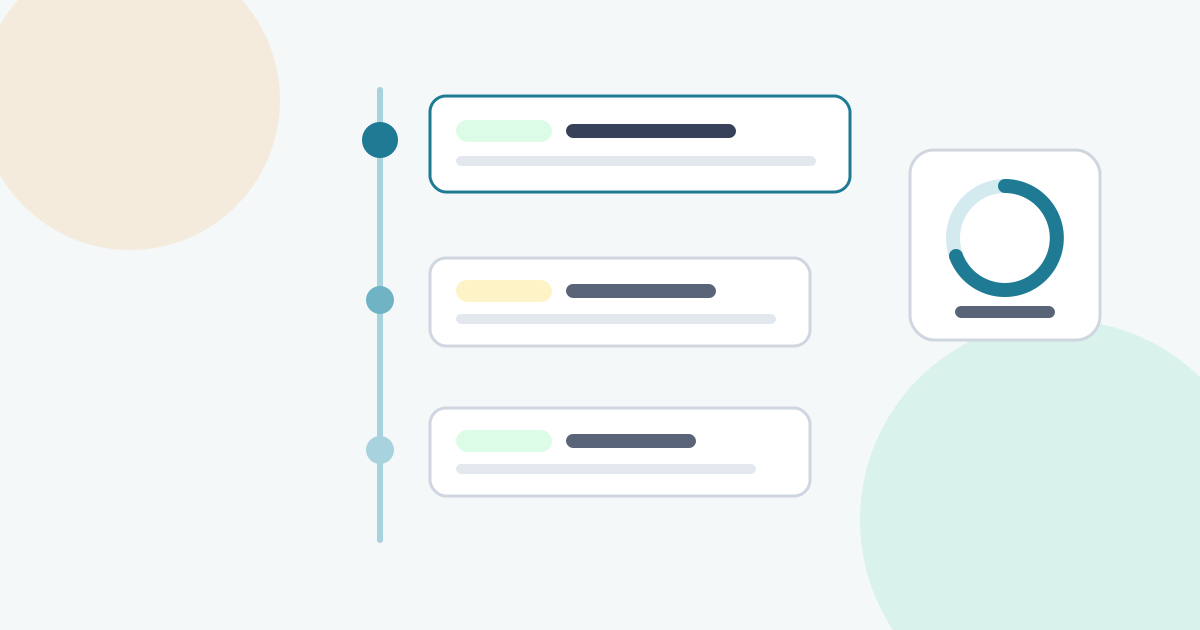
In Ayebridge, each project has an updates timeline that clients see in their portal, newest first, with comments for questions and replies. Approvals and requests for the same project sit alongside it, so an update can point to them rather than repeating them. Clients get an email when a new update is posted, and each person can choose instant emails, a daily digest or no email for each type of notification; the notifications help article explains the settings.
Two habits help here:
- Do not put approval requests only in an update. Request the approval properly, then mention it in the update. A decision buried in a paragraph is easy to miss and hard to record.
- Reply to questions on the update itself, so the answer stays with the context.
Common mistakes
- Activity lists instead of progress. The client wants outcomes, not a timesheet.
- Vague asks. "Let us know your thoughts" gets no reply. "Please approve the homepage design by Thursday" does.
- Skipping quiet weeks. The rhythm is part of the message.
- Softening bad news until it disappears. "Slight adjustment to the timeline" for a two-week delay damages trust once the client works it out.
- Changing the format every week. Consistency is what makes an update fast to read.
Status update checklist
- Cadence agreed with the client and written down
- Sent on the same day each cycle, including quiet weeks
- A one-line status at the top, using the same three labels each time
- Progress described as milestones, not tasks
- Client actions bolded, with dates and owners
- Open approvals and requests linked, not repeated
- Risks named early, with what you are doing about them
- Bad news sent as soon as known, with impact, cause, options and a recommendation
- Same headings every time
Good updates are short, regular and honest. Between reviews, they are how the client experiences the work, so they are worth the few minutes they take.
Frequently asked questions
How long should a client status update be?
Long enough to answer where the project stands, what the client needs to do and what comes next. For most weekly updates that is a status line and a few short bullet points. If an update needs more, the extra detail usually belongs in a linked document or a call.
Should I send an update when nothing has changed?
Yes. A short note saying the project is on track and what happens next confirms that the rhythm holds. Skipping a week teaches the client that updates are optional, and the next silence may worry them.
When should bad news go out in a scheduled update, and when on its own?
If the problem affects a date, a cost or a decision the client must make soon, tell them as soon as you know, outside the schedule. The regular update then records it and tracks progress on the fix.
Sources
- Inverted Pyramid: Writing for Comprehension (Nielsen Norman Group)(nngroup.com)
- How Users Read on the Web (Nielsen Norman Group)(nngroup.com)
- Working Agreements play (Atlassian Team Playbook)(atlassian.com)