Feedback and approvals
What a Good Sign-Off Record Contains, and Why It Matters
Why written client sign-off matters and what a useful record contains: who approved, which version, when and on what terms, so disagreements stay short.
By Ayebridge TeamPublished 6 min read
On this page
Sign-off is a decision; the record is its memory
Every client project is a sequence of decisions. The client agrees to a direction, approves a design, accepts the final files. At the moment each decision is made, everyone remembers it clearly. Three months later, they often don't.
Memory drifts in ordinary ways. People change roles. A colleague who wasn't in the meeting picks up the project. Someone recalls approving "the version with the green button", but there were two of those. None of this needs bad faith to cause a disagreement.
A sign-off record is the written memory of a decision. When it is clear, a question like "Did we approve this?" takes a minute to answer. When it is missing or vague, the same question can take days of searching through inboxes, and it can end with someone simply having to take someone else's word for it.
Three questions a record must answer
Most disputes about approvals come down to one of three questions. A good record answers all of them without interpretation.
Who decided?
Not just a name, but a person with the standing to decide. If your named contact approved the work, the record should show it was them. If a junior colleague clicked "approve" while the decision-maker was away, you want to know that too, because it may affect whether the approval holds.
Agree at the start of the project who can approve which deliverables. Write it down in the proposal or kickoff notes. Then the record only needs to show that the right person made the decision.
What exactly did they approve?
This is where most informal approvals fall short. "Approved" in reply to a long thread doesn't say which attachment, which link or which round. A good record points to one specific thing: a file and its version number, or a written description precise enough that nobody could confuse it with something else.
Version numbers matter here. If you revise a deliverable after approval, the record should still point to the version that was approved, not to whatever the latest version happens to be.
When did they decide?
The date and time place the decision in the project's history. They show that the approval came before a launch, before an invoice, or after a change request was discussed. They also show how long the client had the work before deciding, which can matter if timelines are later questioned.
The anatomy of a useful record
Beyond the three core questions, a few more details make a record genuinely useful:
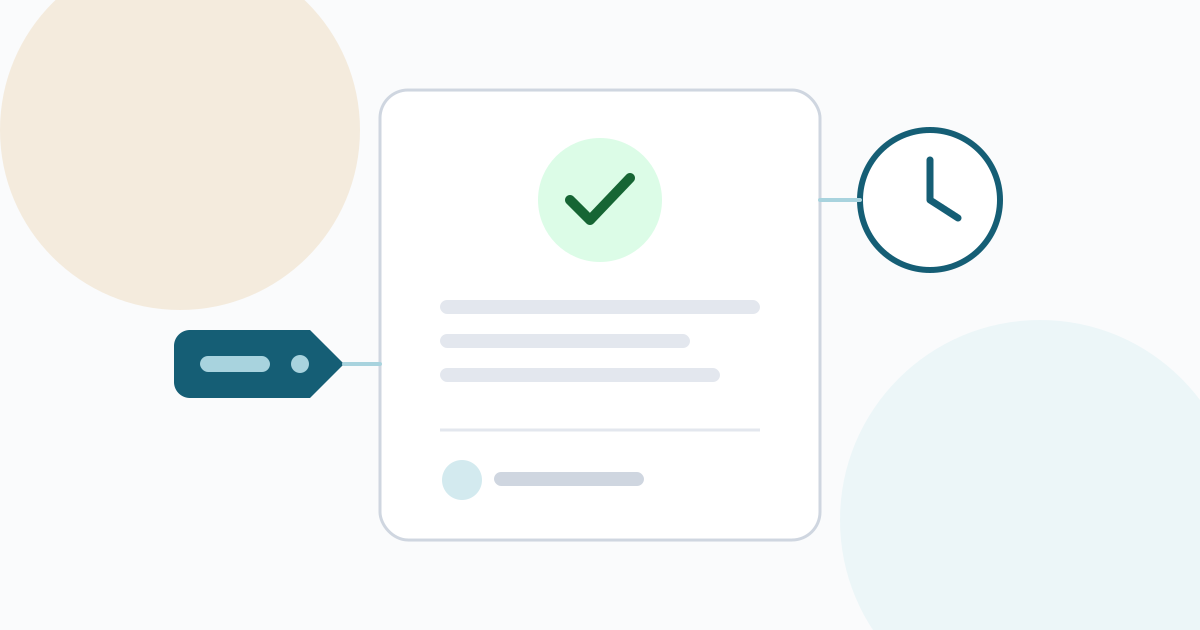
- The decision itself. Approved, approved with conditions, or changes requested. Not just a comment that might be read either way.
- Any conditions or comments. "Approved, provided the address in the footer is updated" is a different decision from a plain approval, and the record should keep the condition with it.
- The person's contact details. A name and email address tie the decision to a specific individual.
- Where it was given. A decision made in a dedicated approval step is clearer than one inferred from a chat message.
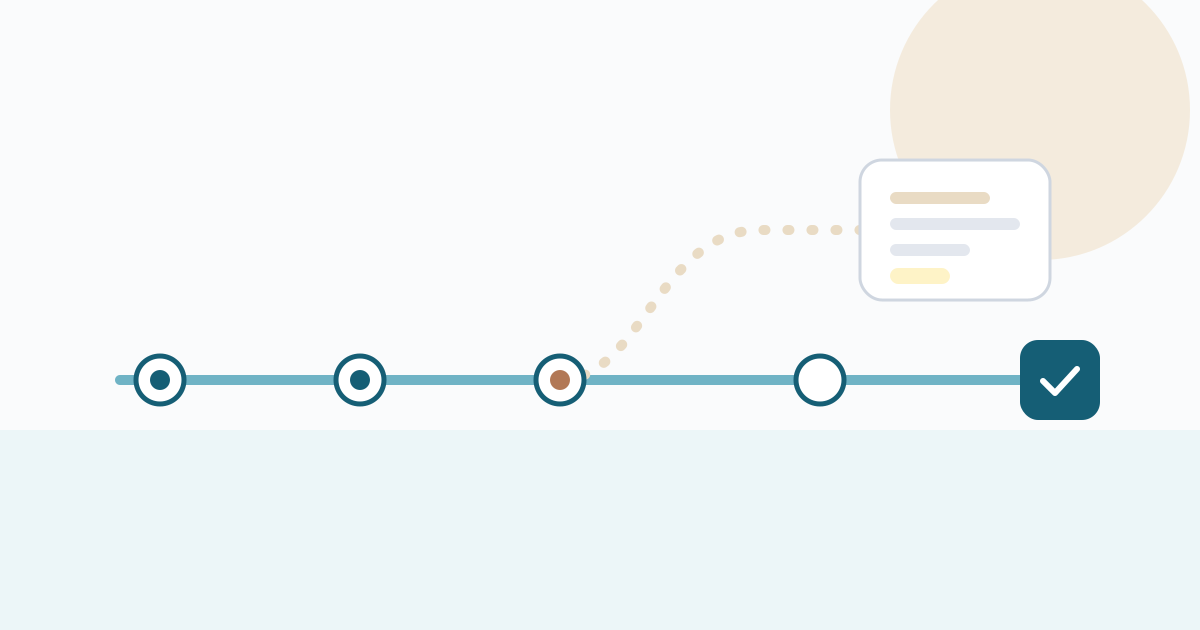
- What came before. Earlier rounds and their feedback show how the work reached its approved form.
Just as important is what a record should not allow: being changed afterwards. A record that can be edited quietly is weaker evidence than one that only ever grows. If a decision changes, the new decision should be added as a new entry, with the old one left as it was.
Asking for sign-off so the answer is clear
The quality of a record depends on the quality of the question. "Thoughts?" invites a conversation; it doesn't invite a decision. Ask for sign-off in a way that can only be answered one of two ways.
A template you can adapt:
Approval needed: Homepage design, version 3
This version includes the changes we agreed on 12 March: the shorter headline, the annual pricing shown first and the updated footer address.
Please choose Approve if this is ready to build, or Request changes with a list of what still needs to change. We'd appreciate a decision by Friday 21 March so we can keep the launch date.
The request names the deliverable and version, summarizes what is in it, offers two clear outcomes and gives a date. Whatever the client answers, the record will be unambiguous.
Don't treat silence as approval. Guidance on project closing from the University of Maryland's project management program puts it directly: "Don't assume silence means acceptance. Actively seek it out." If a client doesn't respond, follow up and ask again rather than proceeding on an assumption.
Partial and conditional approvals
Real decisions are not always a clean yes. Clients often approve most of something with a reservation, and that is fine as long as the record captures it.
- Approve with a small condition. Record the approval with the condition attached. When the condition is met, mention it in a short follow-up so the history is complete.
- Approve part of a deliverable. Split it. If the homepage is approved but the pricing page is not, those should be two approvals.
- Provisional approval. Some projects accept work provisionally and confirm final acceptance later, for example after a testing period. Project management texts describe this two-stage approach, with remaining minor items tracked on a short list until final acceptance. If you work this way, record both stages separately.
Records are not contracts
A sign-off record shows that a client made a decision about a piece of work. It is not automatically the same as signing a contract or an amendment to one.
In many places, electronic records and signatures can carry legal weight. In the United States, for example, federal law says a signature, contract or record relating to a transaction in interstate or foreign commerce cannot be denied legal effect solely because it is in electronic form. But whether a particular approval counts as agreement to particular terms depends on the facts, the wording of your contract and the law that applies to you. This article is general guidance, not legal advice. For contract terms, price changes and anything with significant money at stake, use a proper signing process and check with a lawyer.
In practice, sign-off records work best alongside your contract: the contract sets the terms, and the records show how the project progressed under them. If your contract says changes need written approval, a clear approval record of a change summary is exactly the kind of evidence you will want. Our guide to handling change requests shows how to make each change a recorded decision.
Storing records so you can find them
A record is only useful if you can find it when someone asks. A few habits help:
- Keep records with the project, not in a personal inbox.
- Export a copy at milestones, especially at project close, and keep it with your project files.
- Archive at close. Project closing guidance commonly lists collecting acceptance documents among the final steps, alongside archiving the project's records.
- Make records readable by someone new. A colleague who joins later should be able to understand what was approved without asking you.
How Ayebridge records sign-off
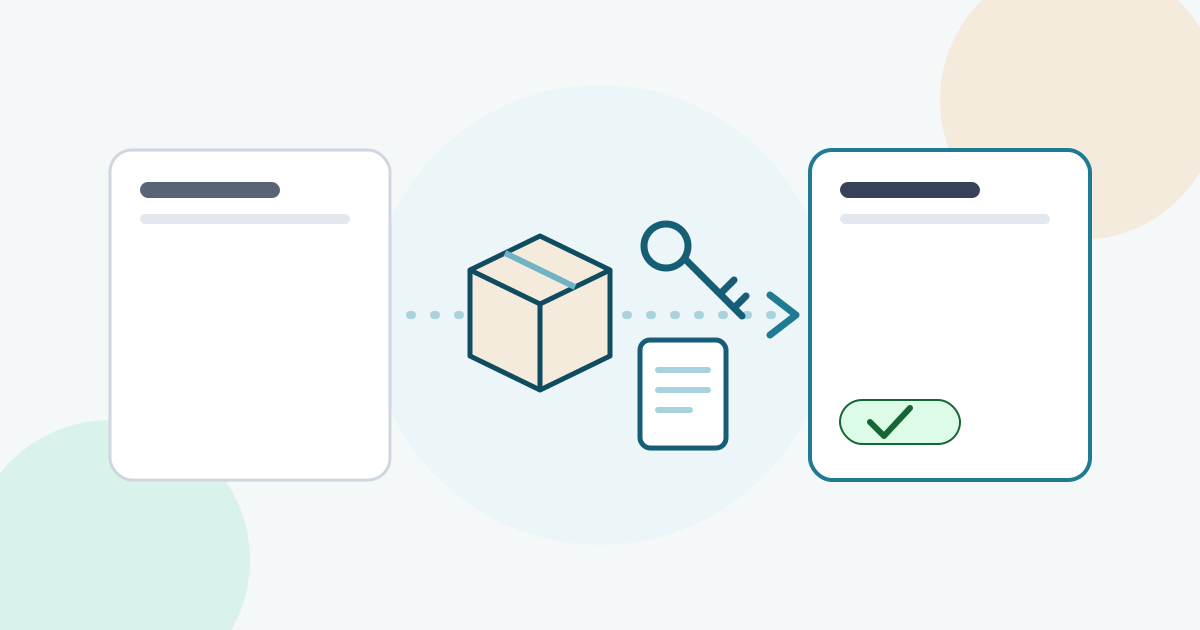
In Ayebridge, you request approval on a deliverable or a specific file version in the client's portal, or on a deliverable described in text, such as a scope summary. The client chooses Approve or Request changes, and requesting changes requires a comment.
Each decision is stored as a new entry with the decision and comment, the person's name and email, the file name and version number, and the date and time. Entries are only ever added, never edited or deleted, by your team or the client. If something changes, you request approval again, and the new decision is added below the earlier one. Your team can export the record as a PDF for the project files. The approvals feature page describes the details, and the approvals help guide walks through each step.
Ayebridge approvals are a clear, timestamped record of a client's decision. They are not an electronic signature service.
The short version
- A sign-off record answers three questions: who decided, what exactly they approved, and when.
- Agree at the start who can approve what.
- Ask for sign-off as a specific question with two clear outcomes and a date.
- Never treat silence as approval.
- Capture conditions and partial approvals explicitly.
- Never edit a record; add a new decision instead.
- Keep records with the project and archive them at close.
- Use records alongside your contract, not instead of it, and check contract questions with a lawyer.
Good records rarely get looked at, and that is the point. When everyone knows that every decision is written down clearly, fewer decisions are questioned in the first place.
Frequently asked questions
Is an email saying 'looks good' enough as sign-off?
It is better than nothing, but it often leaves gaps: which version it refers to, whether the sender could approve on behalf of the client, and whether it was approval or a passing comment. A short, specific approval request answered in writing closes those gaps.
Is a sign-off record the same as an electronic signature?
Not necessarily. A sign-off record documents a decision about a piece of work. Whether it counts as a signature for a contract depends on the law that applies and on what you agreed. For contract signatures, use a dedicated signing process and check with a lawyer.
What should I do if the client approved the wrong version by mistake?
Don't edit or delete the record. Ask for a new decision on the correct version, and add a short note explaining what happened. The history then shows both decisions in order, which is more trustworthy than a corrected record.
How long should I keep sign-off records?
At least as long as you might need to refer to them, which for many teams means keeping them with the project files after the project closes. Your own legal or accounting obligations may set a longer period, so check what applies to you.
Sources
- 13.2 Activities to Close a Project, Project Management, 2nd Edition (Cleveland State University Pressbooks)(pressbooks.ulib.csuohio.edu)
- The Project Closing Checklist: What You Can't Afford to Miss (University of Maryland, ePM)(epm.umd.edu)
- 15 U.S. Code § 7001, General rule of validity (Legal Information Institute, Cornell Law School)(law.cornell.edu)