Approvals
Building a Design Approval Workflow That Holds Up
Build a design approval workflow that holds up: stages agreed in advance, one approver, clear versions, review deadlines and a record of each decision.
By Ayebridge TeamPublished 7 min read

On this page
What it means for an approval workflow to hold up
Most design approvals work fine on the day. The trouble starts weeks later, when someone asks a question the process cannot answer. Which version of the homepage did the client approve? Was it the founder or the marketing lead? Did they approve the layout only, or the copy as well?
An approval workflow holds up when anyone on the project can answer three questions without searching an inbox:
- What exactly was approved? A specific version of a specific piece of work.
- Who approved it? A named person with the authority to do so.
- When, and on what terms? The date, and any conditions attached.
Everything in this article serves those three questions. The workflow has six parts: stages, roles, versions, the request itself, deadlines and the record.
1. Agree the approval stages before design starts
A single "final approval" at the end of a design project invites trouble, because it asks the client to accept many decisions at once. Breaking the work into stages lets each approval settle one layer of the design, so later rounds do not reopen earlier ones.
A typical sequence for a website or brand project:
| Stage | What the client approves | What is out of scope at this stage |
|---|---|---|
| Direction | Moodboard or style direction, tone | Exact layouts, final copy |
| Structure | Sitemap, wireframes, content hierarchy | Colors, imagery |
| Visual design | Key screens or key brand applications | Full set of pages or assets |
| Production | Remaining screens or assets built to the approved design | New direction or structure |
| Final | The complete deliverable, ready to launch or hand off | Anything already approved, unless re-opened as a change |
For each stage, write down what "approved" means. The GOV.UK guidance on writing user stories describes acceptance criteria as a list of outcomes you use as a checklist. The same habit helps here. "Wireframes approved" is vague. "Wireframes approved: page list, navigation and the order of sections on each page" is something both sides can check.
Share the stage list at kickoff and refer back to it in every approval request.
2. Decide who approves, and who only advises
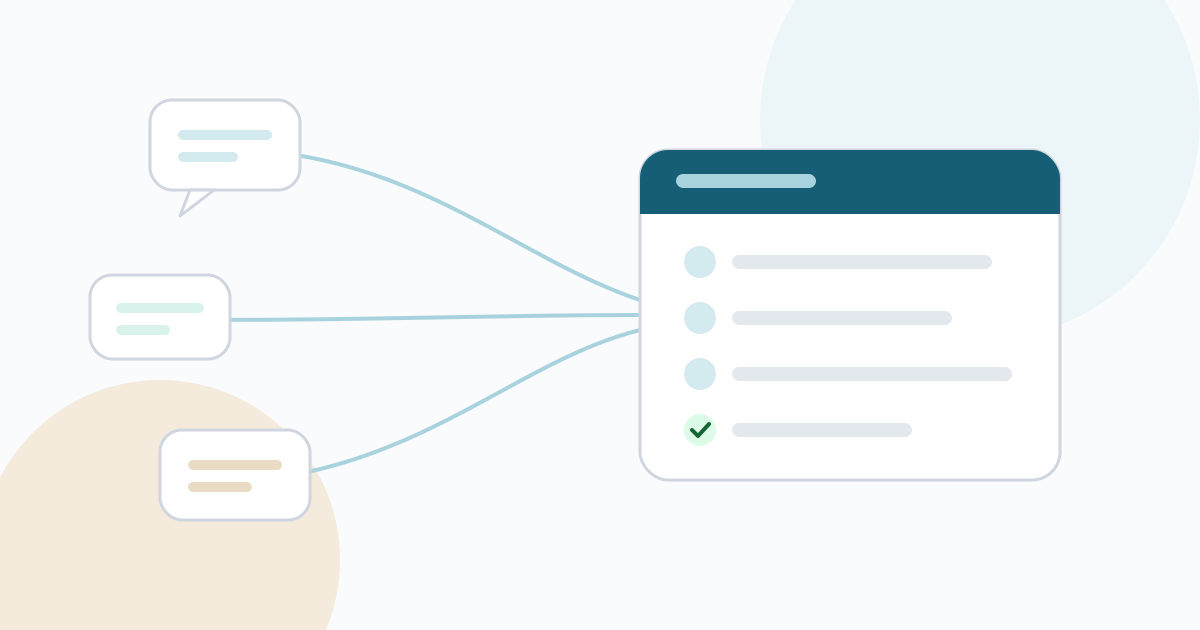
Approvals go wrong when several people on the client side believe they have the final say. Atlassian's DACI framework separates the roles in a decision: a driver who moves it forward, an approver who makes the call, contributors who give input and people who are simply informed.
Mapped onto a design project:
- Driver: your project lead, who prepares each round and chases the decision.
- Approver: one named person at the client. Not a committee, and not "the marketing team".
- Contributors: colleagues at the client whose input the approver gathers before deciding, plus your designers.
- Informed: people who need to know the outcome but do not review the work.
Ask the client to confirm the approver in writing. If the approver changes during the project, record the change and the date, because decisions made before and after the switch were made by different people.
3. Treat versions as the backbone
A recorded approval is only as good as the version it points to. If the file was overwritten after approval, the record no longer proves anything.
Version rules that keep things straight:
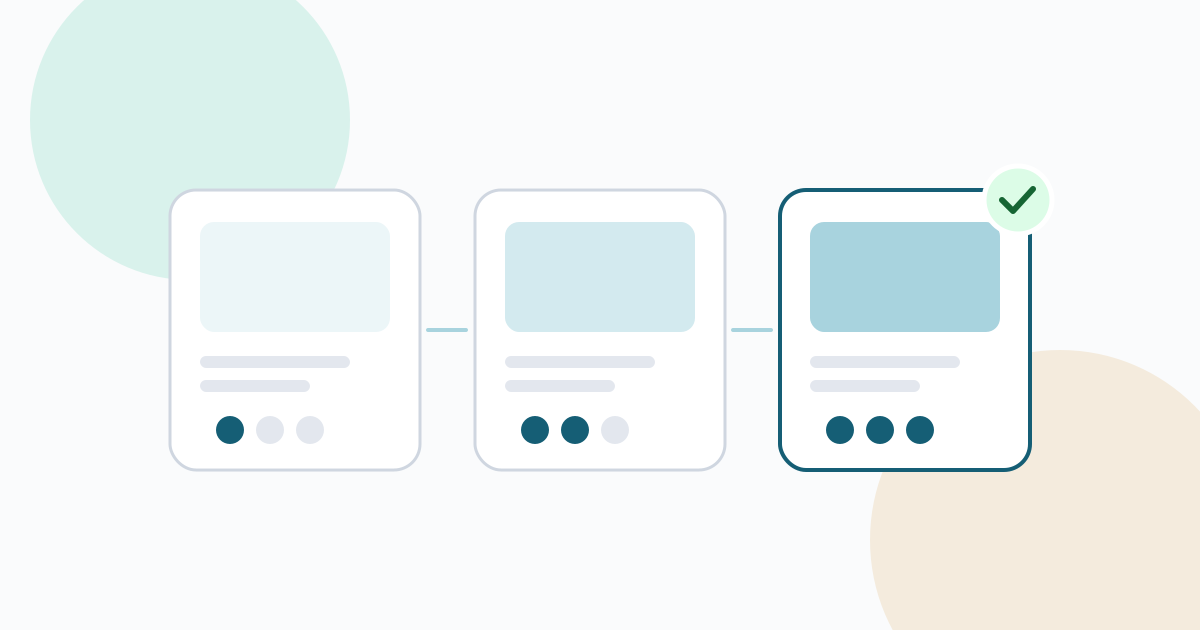
- One version per round. Each time you present revised work, it becomes the next version: v1, v2, v3. Do not replace files in place.
- Keep every earlier version. If a client asks what changed between rounds, you can show them side by side.
- Describe what changed. A short note with each new version, such as "v3: header simplified, pricing table moved lower, footer links updated", saves the reviewer from playing spot the difference.
- Let the system number the versions. File names like
homepage-final-v2-revised.pdfare a symptom of tracking versions by hand.
In Ayebridge, uploading a revision to the same file creates the next version and keeps the earlier ones, and clients can preview images and PDFs in the portal before downloading. The deliverables and versions page explains how folders, versions and previews work.
4. Ask for approval in a way that gets a clear answer
The way you present a round shapes the answer you get. The Nielsen Norman Group's article on running design critiques recommends agreeing the goals of the work before feedback begins, so comments are measured against those goals rather than personal taste. An approval request can carry the same framing.
Each request should include:
- The stage and the version. "Visual design, homepage, version 3."
- What you are asking them to decide. "Please approve the layout and visual style of the homepage. Copy will be finalized in the production stage."
- What changed since the last round, in two or three lines.
- The respond-by date.
- What happens next for each answer: if approved, which stage starts; if changes are requested, when the next version will be ready.
A short example:
Homepage design, version 3, for approval This round addresses your notes on v2: the header is simpler and the services section now comes before the case studies. Please approve the layout and visual style, or request changes with a note. Copy is not final yet and will be reviewed in production. Respond by: Thursday. If approved, we start building the remaining pages on Monday.
Give the approver two answers: approve, or ask for changes and say what should change. A third option such as "approve with minor notes" sounds helpful but tends to produce answers that are neither.
5. Set review deadlines, and decide what happens when they pass
Every approval request needs a date. Without one, a round can sit in someone's inbox for weeks while your schedule absorbs the delay.
Agree the review window at kickoff, for example three business days per round. Then decide in advance what happens when a deadline passes:
- A reminder on the due date, sent to the approver.
- A direct follow-up a day or two later, mentioning what is blocked.
- A timeline adjustment if the delay continues. Tell the client which later dates move, and by how much.
Some studios agree that silence counts as approval after a set period. It saves time, but it weakens the record: you have a date, not a decision. If you use this rule, put it in your agreement and still confirm the outcome in writing.
6. Record the decision where the work lives
A decision made in a call or a hallway conversation is real, but it is not yet a record. Before work continues, the approval needs to be captured against the version it applies to.
A useful approval record holds:
- The decision (approved or changes requested) and any comment
- The name and email of the person who decided
- The deliverable and its version number
- The date and time
It should also be impossible to edit quietly afterwards. If a client changes their mind, the new decision is added as a new entry and the earlier one remains.
Ayebridge approvals work this way. You request approval on a specific file version or on a deliverable described in text, with an optional respond-by date. The client answers with Approve or Request changes, a comment is required when changes are requested, and every decision is stored as a permanent entry that your team can export as a PDF. When a decision happens verbally, request the approval in the portal straight after the call so the record matches what was agreed.
When approved work needs to change
Approved work does sometimes need to change: new information, a new stakeholder, a shift in the business. The workflow should allow that without erasing history.
- Name it as a change to approved work, not as another revision round.
- Point to the earlier approval: what was approved, by whom and when.
- State the effect on schedule or cost, if any, before starting.
- Ask for approval again on the new version once it is ready. The record now shows both decisions in order.
This protects both sides. The client can see exactly what they agreed before, and you can show why the timeline moved. At the end of the project, these records also make handover simpler; the project handoff guide covers how to package them with the final deliverables.
Design approval workflow checklist
- Approval stages agreed at kickoff, each with a written definition of "approved"
- One named approver confirmed in writing; contributors and informed people listed
- Every round uploaded as a new version, with earlier versions kept
- A short "what changed" note with each version
- Each request states stage, version, the decision asked for, the deadline and next steps
- Two possible answers: approve, or changes requested with a note
- Review window agreed, with reminder and follow-up steps for missed deadlines
- Every decision recorded against its version, including decisions made in calls
- Changes to approved work handled as new approvals, never as edits to old ones
A workflow like this asks a little more of everyone at the start of each round. In return, the questions that usually cause disputes late in a project already have written answers.
Frequently asked questions
Can silence count as approval if the client misses the review deadline?
Only if you agreed that rule in writing at the start, and even then it is better to send a reminder and confirm. A decision the client never actually made is weak evidence if the work is questioned later.
What should happen when a client wants to change something that was already approved?
Treat it as a new request rather than a reopened round. Note what was approved and when, explain the effect on time or cost, and ask for approval of the new version once it is ready. The earlier decision stays in the record.
Is a recorded approval the same as a signed contract?
No. An approval record shows that a named person accepted a specific version on a specific date. It supports your project history, but it does not replace your agreement or an electronic signature where one is legally required.